First-time creator
Starts with a clear photo and requests one stylistic change before attempting a complex edit.
Can compare a simple variation against the source and learn which details need clearer instructions.
Image editing basics
This what is img2img tutorial starts with a simple definition: img2img uses an existing image as a visual starting point for a newly generated image. You provide the source and describe the change you want; the result may retain some features while reinterpreting others.
Partner link only. Sign in if asked, open the paid photo editor at /edit, and upload your image and enter any instructions there. Img2img does not send an image or prompt; there is no free generation here.
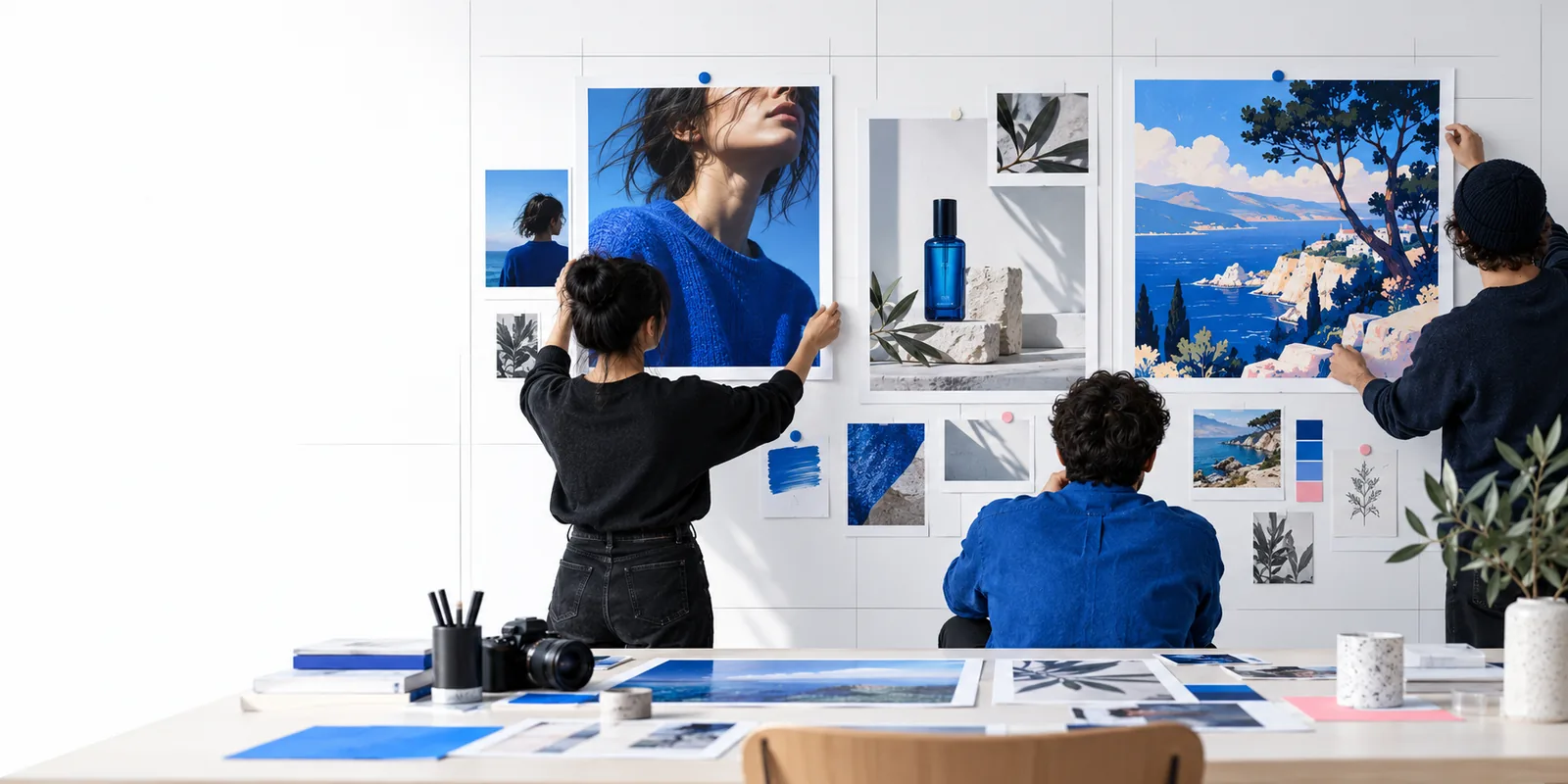
Think of img2img as image-guided generation, not a command to copy every pixel. The source offers visual structure; your instructions describe a possible direction for the new image. These related guides cover the first attempt, a common model family, and a more localized editing method.
A useful img2img tutorial separates three decisions: which image to start from, what to change, and whether the result kept the details that matter. Exact controls vary between tools, but this sequence remains a practical way to assess an edit.
Pick an image with a clear subject and composition. If a face, object, or background must remain recognizable, make that requirement explicit rather than assuming the generator will preserve it.
Name the desired style, setting, colors, or materials. A focused instruction such as changing a daytime street scene into a rainy evening scene is easier to evaluate than several unrelated changes at once.
Compare the output with the source. Check the subject, layout, and small details separately; if one matters more than the others, revise your instruction and try another variation.
Image guidance influences an output; it does not guarantee a precise edit. This table distinguishes reasonable uses of img2img from expectations that call for closer inspection or a different editing approach.
| What to try | What to watch for | |
|---|---|---|
| Visual style | Explore a photographic, painted, or illustrated interpretation. | Textures and fine features may change along with the style. |
| Color and lighting | Request a different palette or time-of-day mood. | The result may also alter shadows, surfaces, or background details. |
| Composition | Use the source as a guide for subject placement. | Exact framing and object positions may not survive. |
| Subject identity | Describe features you want the new image to retain. | A recognizable face, logo, or product is not assured. |
| Small text | Treat visible lettering as something to inspect afterward. | Spelling and letter shapes may be inaccurate. |
| Local edits | Try an overall variation when the whole scene can evolve. | For one isolated region, a masked inpainting workflow may fit better. |
The same image-guided idea serves different goals. The useful question is not simply whether an image changed, but whether the intended feature changed while the important parts remained usable.
Starts with a clear photo and requests one stylistic change before attempting a complex edit.
Can compare a simple variation against the source and learn which details need clearer instructions.
Explores a clothing change while trying to retain the subject and pose.
Needs to inspect faces, hands, fabric boundaries, and identity rather than judging the outfit alone.
Studies several source-to-result pairs to understand what kinds of changes are plausible.
Gets a better sense of how style, composition, and subject consistency can vary together.
Wants to change a single object without reworking the surrounding image.
Can compare whole-image generation with a region-focused method before choosing a workflow.
Start with a source you have permission to use and a short description of the change you want. Treat the first result as a draft: compare it with your source, then refine what you ask for. Available inputs and controls depend on the destination tool.
Img2img means image-to-image generation: an existing image helps guide the creation of another image. It differs from generating solely from a written description because the source supplies visual information about the subject or scene.
No. A photo, illustration, or other suitable image can serve as a source, provided you have the right to use it. A sketch can also be useful when you want to communicate a rough layout rather than polished details.
No. Even when you request a modest change, the generated result can alter details elsewhere in the image. Compare the output closely with the source if identity, text, layout, or product features must remain accurate.
Both methods can use an existing image, but they describe different editing aims. Img2img commonly refers to generating a variation guided by the image as a whole; inpainting typically targets a selected region while using the surrounding image as context.
Describe the main change first, then name any features you want to preserve. For example, request a rainy evening atmosphere while keeping the person and camera angle recognizable. This what is img2img tutorial treats the prompt as a direction to test, not a guarantee that every detail will stay fixed.